
Either way
How to get started, in four steps.
01
Download the Penng app
Penng is on the App Store and Google Play, for iPhone and Android.
02
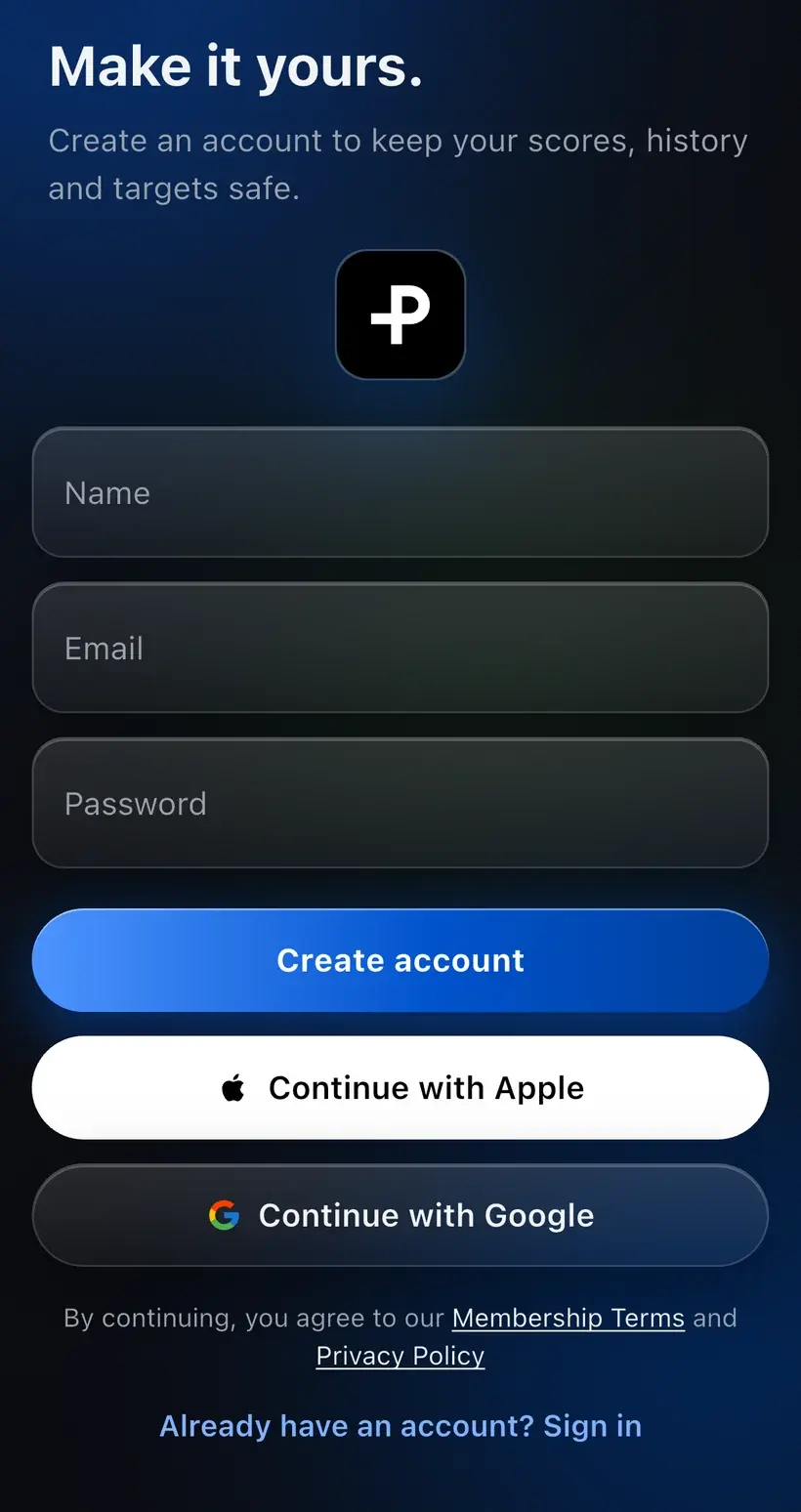
Create your account
Sign up in the app and start your 7-day free trial. Membership is paid in the app.
03
Connect your wearable or Penng band
Apple Health, Health Connect by Google, or a Penng band paired over Bluetooth. Penng starts from what it can actually read.
04
See your first day
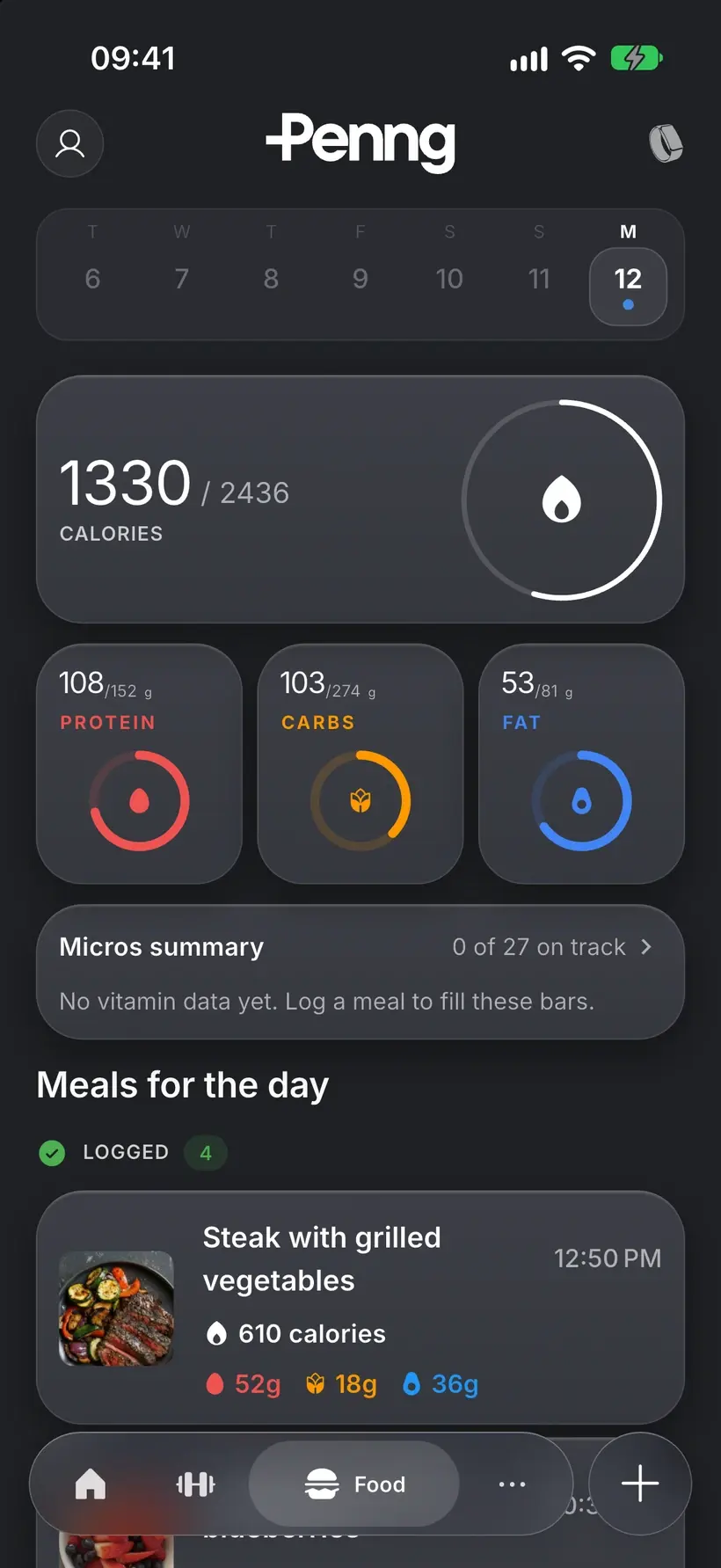
Log your first meal with a photo: that works on day one. Recovery fills in once Penng has enough of your own history to judge a day against.
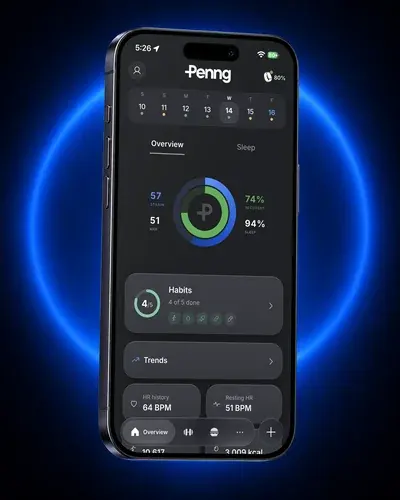

Choose a card above to see that route in full.